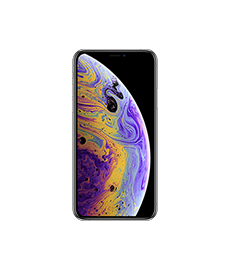
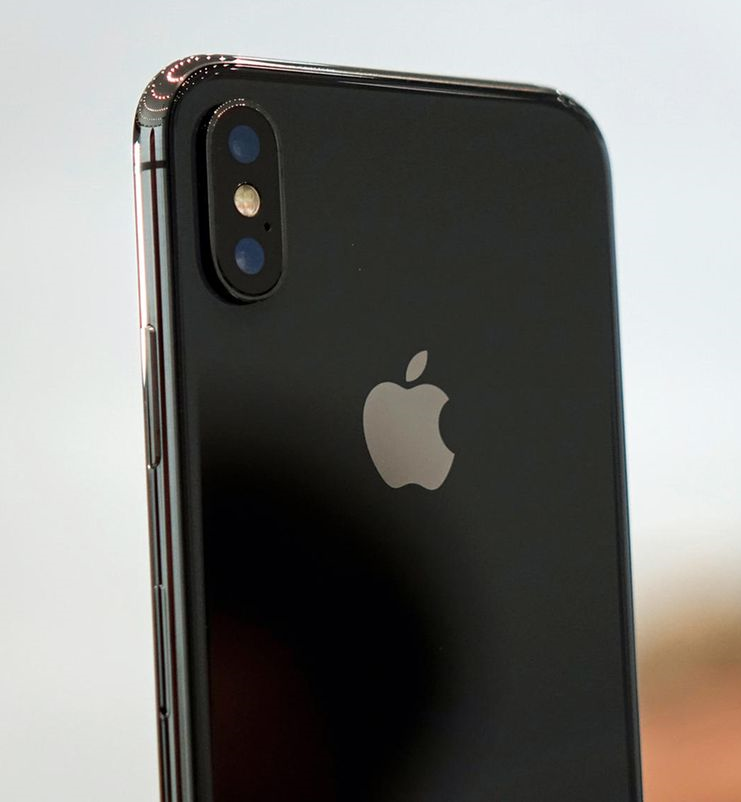
Apple iPhone XS buttons / switches repair (original)
- ✔️ Original spare parts from the manufacturer
- ⛏️Repair according to manufacturer's specifications
- 🛡️ No data loss
- ⭐ The No. 1 in Germany (Google + Trusted Shops reviews)
- ⚖️ 1 year warranty
Call now and make an appointment
0221-29247575
Apple iPhone XS On / Off Button Repair
Is your Apple iPhone XS power button no longer working? Can you no longer press it, or is the pressure point missing? The Apple iPhone XS power button is one of the most used parts of your phone. It wears out over time and therefore needs to be replaced.
HandyRetter in Cologne can replace your Apple iPhone XS power button quickly and reliably. The repair time is estimated at one hour, as the Apple iPhone XS power button is located beneath the motherboard. The motherboard must be removed for this repair before the cable can be replaced. We can then install the original replacement part, and you'll have a functioning Apple iPhone XS power button again.
Apple iPhone XS volume down / mute switch repair in Cologne!
Is the volume button on your Apple iPhone XS no longer working? Can you no longer turn the mute switch on or off, or can't move it at all? Is the volume control malfunctioning? These are all problems that can occur if the flex cable for the Apple iPhone XS volume control switch is defective.
HandyRetter can quickly and safely replace the flex cable that contains the Apple iPhone XS volume/mute switch. This is a repair that takes at least an hour, as the Apple iPhone XS volume/mute cable runs underneath the circuit board, which must be removed for the repair.
A new, original Apple iPhone XS volume up / down / mute switch flex cable will then be installed.